 JJIN Study
Just study.
We’ll keep the time.
Stand your phone on your desk. The camera checks that you’re in your seat and counts your study time. Get up for a drink and it pauses; sit back down and it picks up again. You only tap a button once, at the start.
Get it on Google Play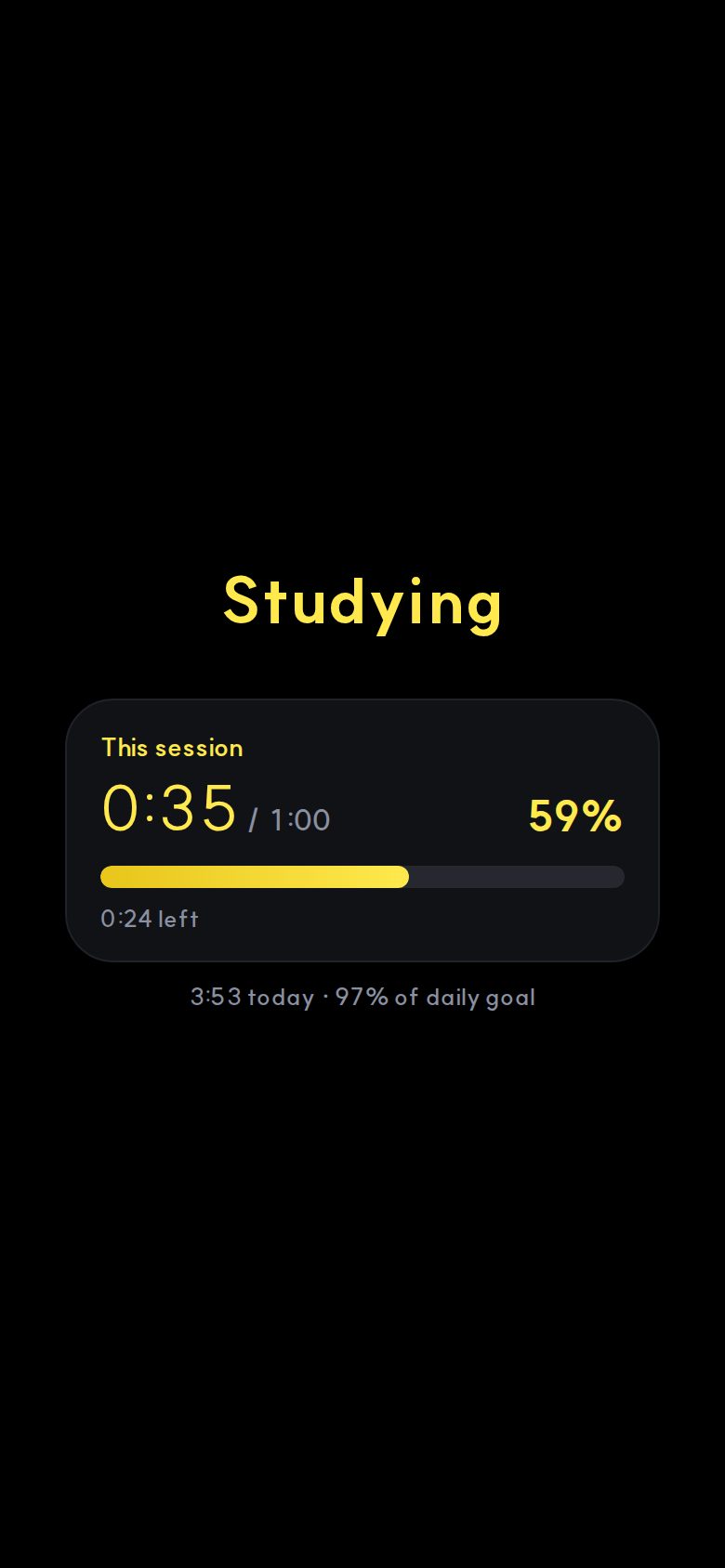
How it works
No more starting and stopping a timer and losing your focus.
- Stand your phone up and startPlace it so the camera can see you and tap “Study solo.” That’s it.
- Step away and it pausesTime doesn’t add up while you’re out of your seat, even if you leave your phone behind.
- Come back and it continuesSit down again and it keeps adding up. Only time actually spent at your desk is logged.
How to use each mode
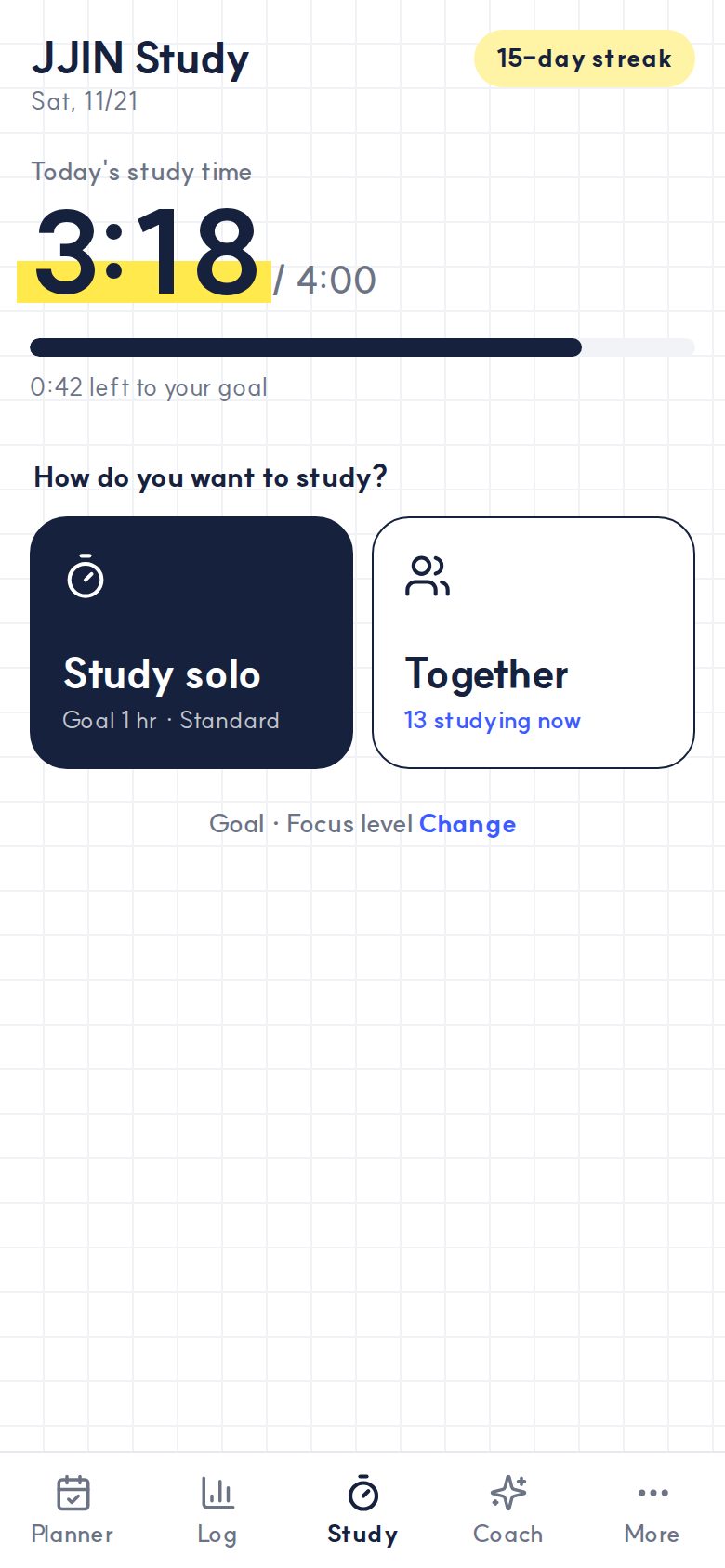
On the JJIN Study tab, pick “Study solo” or “Together.” On days you need a firmer grip, turn on Deep Focus.
Study solo
For everyday studying
- Pick a goal time and tap “Study solo.”
- Line up with the head-and-shoulders outline on screen and it starts in a few seconds.
- When you finish, pick the subject and it goes into your log.
Deep Focus
When you want your phone off-limits
- On the start screen, choose “Deep Focus” and a duration.
- On Android, the app stays pinned to the screen for that time.
- On iPhone, leaving the app sends a notification. If you don’t return within 10 seconds, the session is marked “Stopped.”
Together
When studying with friends
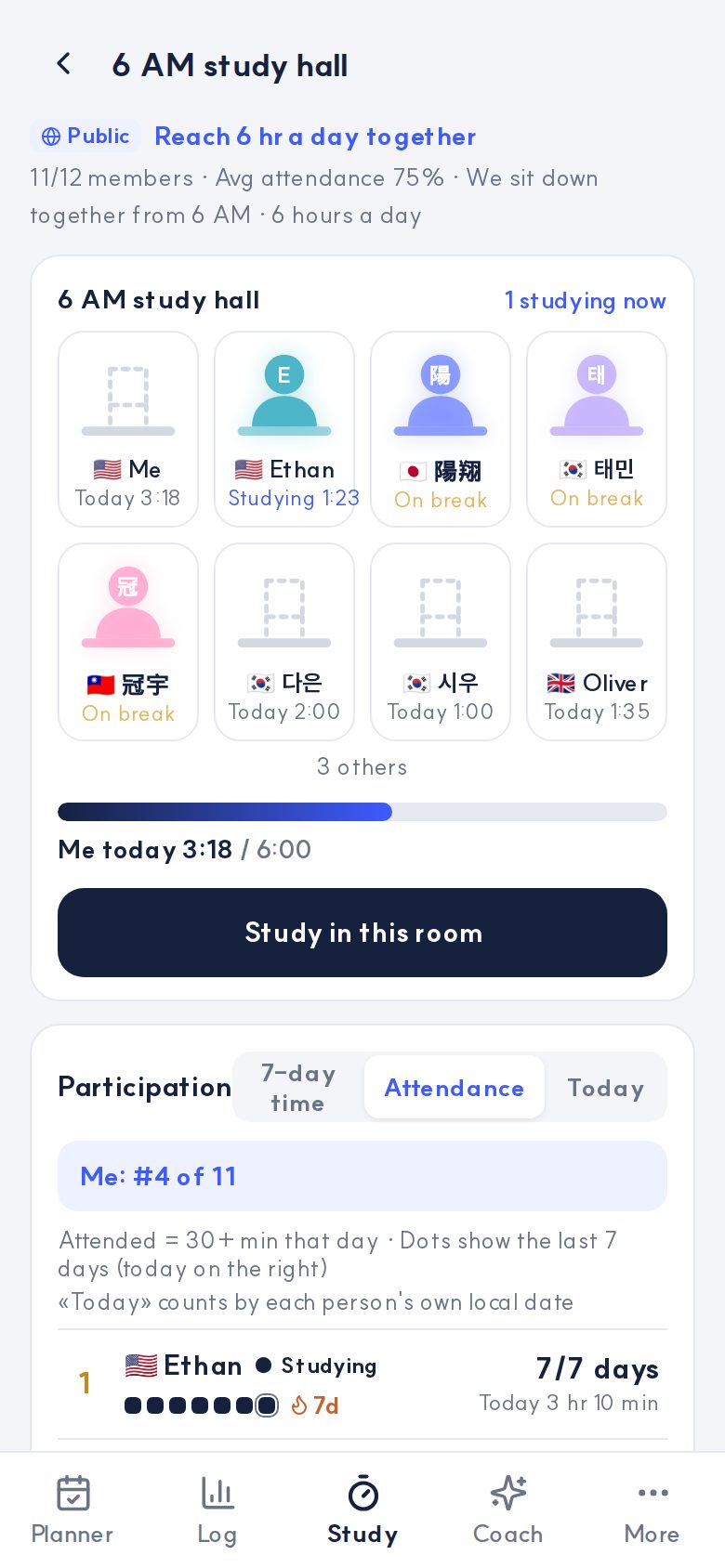
- Create a study room and send your friends the invite link.
- See who’s studying right now and how long each person studied today.
- No video, no chat. Only study time and attendance are shared.
Planner
When planning your day
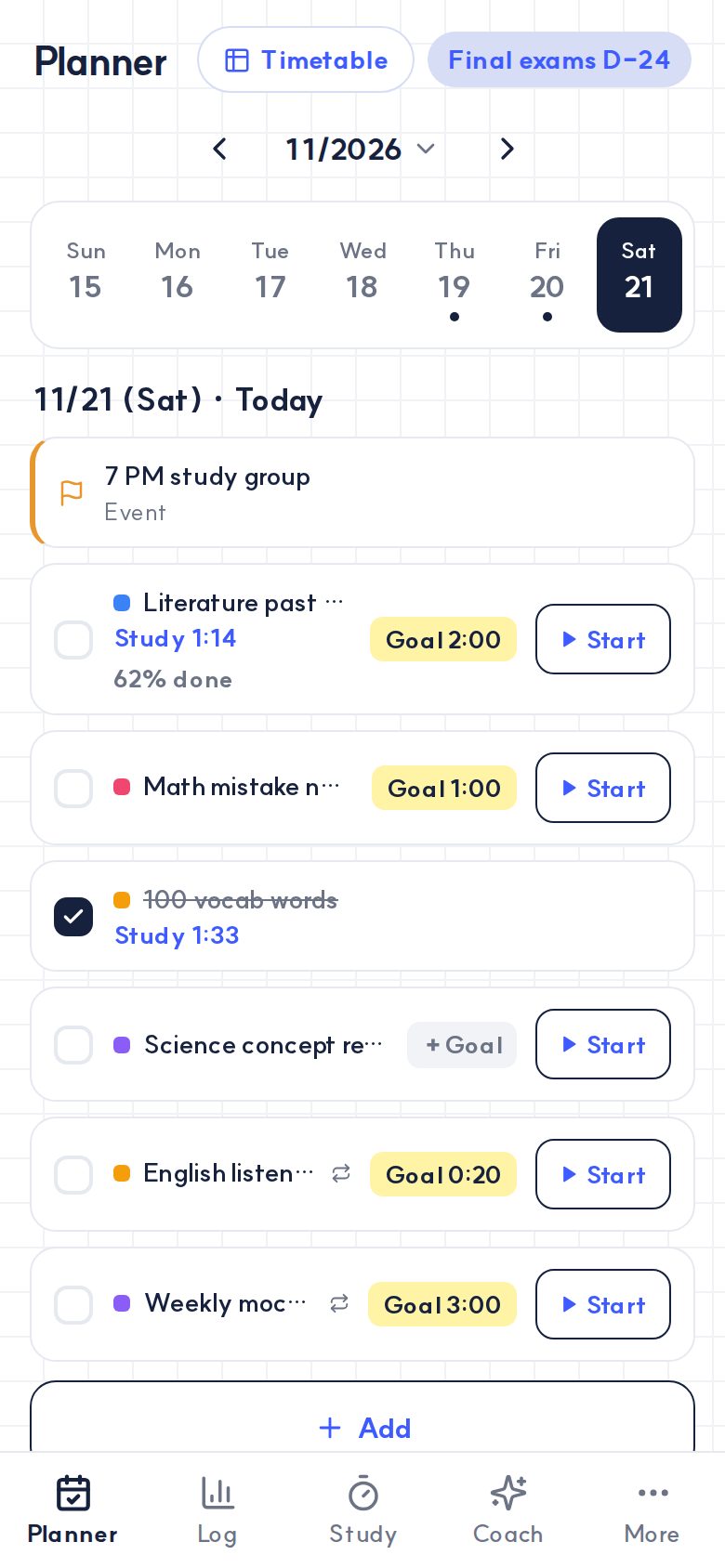
- Write a to-do and attach a subject and goal time.
- Tap a to-do to start studying right away.
- Add your school or class timetable with a single photo.
JJIN Coach
When planning feels overwhelming
- Tell it your exam, subjects and free time, and it builds a weekly plan.
- Suggestions go into your planner only when you tap “Apply” on the card.
- It looks at last week’s log and eases the plan if it was too much.
Log
When checking your progress
- See study time and subject split by day, week and month.
- Time spent in Deep Focus is tracked separately.
- Share a study card as an image.
- Stand your phone at the front of your desk so your face and shoulders are visible.
- If it’s too dark, it may not tell whether you’re there. One desk lamp is enough.
- If you leave the app while studying, time doesn’t add up in the meantime. It continues when you come back.
- If notifications bother you, turn on “Do Not Disturb while studying” under More → Study settings (Android).
See how much you studied, by subject
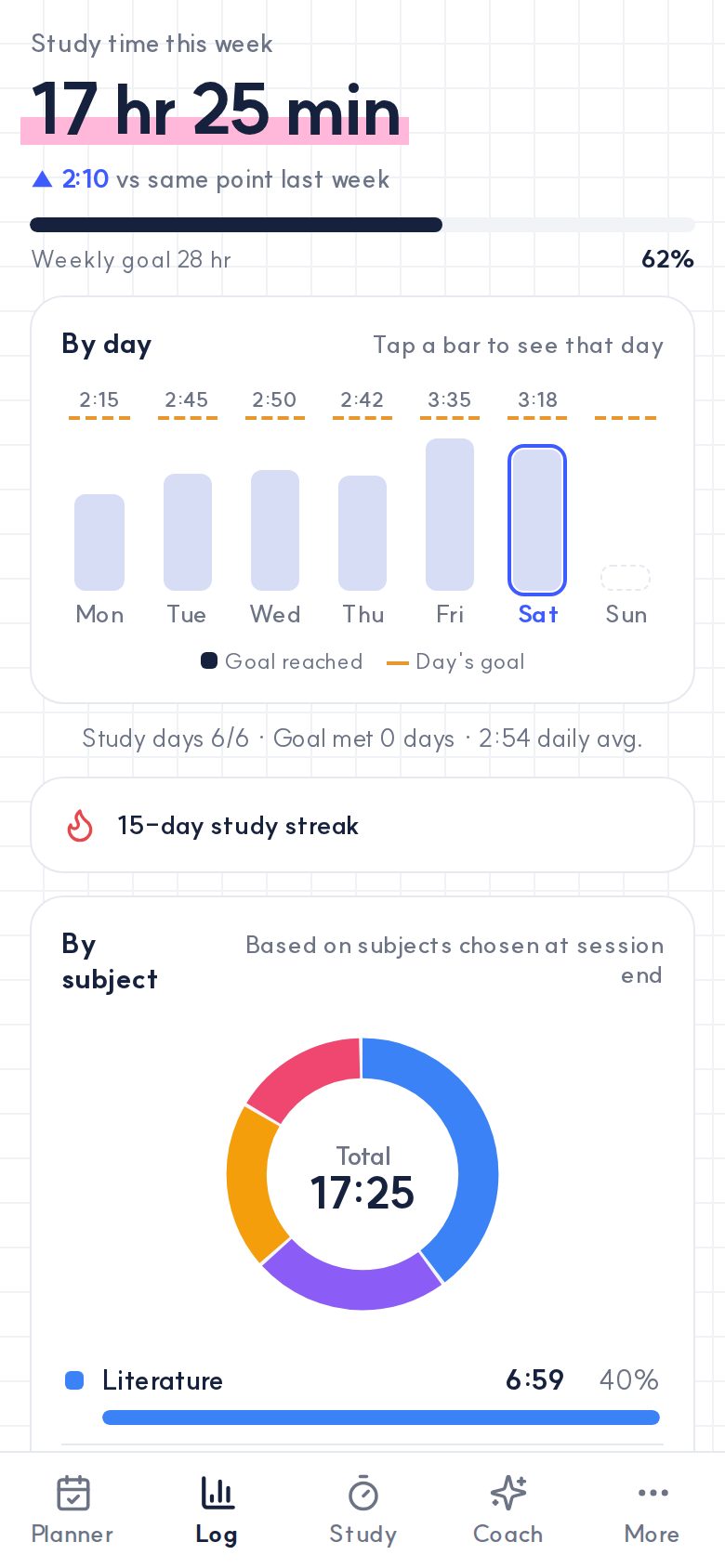
View each day as a study journal, and each week and month as time per subject. If you keep putting off a weak subject, it lets you know. Daily, weekly and monthly logs are all free.
- What you studied today, when, and for how long
- Subjects that went up or down since last week
- A calendar that gets darker the more you study. Tap a day to open its journal
Plan with JJIN Coach
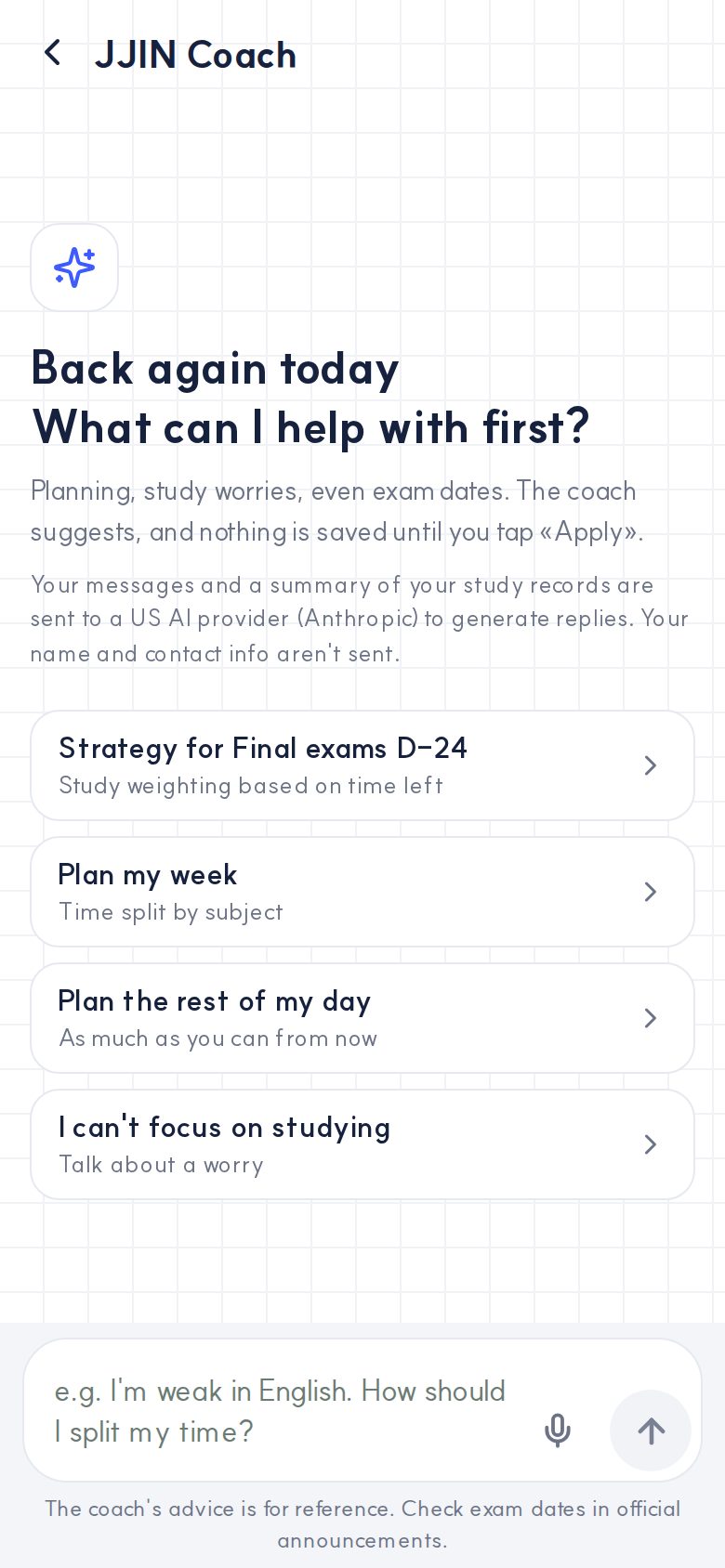
It splits your time across subjects to fit your exam and grade, and sorts out what to do today. It won’t do your homework or solve problems for you.
- “Mock exam next Tuesday at 3” — one line and it’s on your calendar
- Add your school or class timetable with one photo
- For a subject you dread, it suggests starting small, like 25 minutes first
Study with friends
See who’s studying right now and how long each person studied today. There’s no video or chat.
- Send a link to start a study room with your friends
- Or join a public study room for people preparing for the same exam
- Up to 12 people per study room
The camera never films or records
The camera is used only to check that you’re in your seat. No video file is created. Only how many minutes you studied is kept.
Pricing
Study tracking, daily, weekly and monthly logs, the planner, Study together and Deep Focus are all free. Plus is only for using the AI coach (JJIN Coach) more.
Free
0/ month
No payment needed
- Study tracking · plannerUnlimited
- Daily log (study journal)Unlimited
- Weekly · monthly logs (subject trends · calendar)Unlimited
- Study together (study rooms)Unlimited
- Do Not Disturb while studyingUnlimited
- JJIN Coach chats3 a day
- Deep Focus (lock your phone and study)Unlimited
- Day schedules from the coach1 a week
- Add a timetable by photo1 time
- Timetables (school · classes)3
Plus
Shown in the store
Monthly or yearly (yearly costs less per month). Google Play shows the price in your local currency.
- Everything in FreeIncluded
- JJIN Coach chats20 a day
- Day schedules from the coach5 a day
- Add a timetable by photo10 a month
Your remaining count shows at the bottom of the JJIN Coach screen. It refills the next day (timetable photos: the next month). Study tracking and the daily log have no limits.
FAQ
What time does it count?
The time you spend at your desk. It pauses when you leave and continues when you come back. If you doze off or rest your head on the desk, it still counts as long as you’re in your seat.
Where is the camera video saved?
Nowhere. Nothing is filmed or recorded, so no video file is ever created.
What do friends see when we study together?
Study room members see your nickname and profile photo, whether you’re studying right now, your study time today and over the last 7 days, and your attendance. There’s no video or chat.
Where does what I send JJIN Coach go?
To write a reply, the messages you send the coach and a summary of your study log are sent to an AI company (Anthropic). Your name and contact details are not sent. See the privacy policy for details.
What happens if I leave the app mid-session?
The camera can’t see your seat, so time doesn’t add up in the meantime. It continues when you return to the app. If the app closes suddenly, the time measured until then is kept.
What if I use up my JJIN Coach chats?
You can’t chat with the coach for the rest of the day, and it refills the next day. Study tracking, the log and the planner keep working.
Do I have to pay?
Plus is only for using the AI coach (JJIN Coach) more; study tracking, daily, weekly and monthly logs, the planner, Study together and Deep Focus are all free. Plus comes as a monthly or yearly plan priced in your local currency in the store. For now, everything is open for free.
Can I use it on iPhone?
It’s on Android for now. The iPhone version is in the works.